
Guides
IRON NEST Requisition Console Guide: Location, Requests and Fixes
Find the console, request reconnaissance and supplies, then troubleshoot missing options, failed confirmations and returned intelligence.
Evidence map reviewed: 2026-08-13
The function list comes from the Basics guide and is cross-checked visually against v1.0 mission footage.
Quick answer
The Requisition Console is the turret’s support and progression station. It converts the resources available in the current mission into ammunition, powder charges, reconnaissance, intelligence, movement and other unlocked battlefield-control assets. A request supplies an asset; it does not automatically plot a target or complete a firing solution.
 123
123- 1Returned intelligence appears as information that must be read and preserved.
- 2The clipboard carries useful coordinates or observations back to the tactical map.
- 3After plotting, the normal bearing, range and elevation workflow still applies.
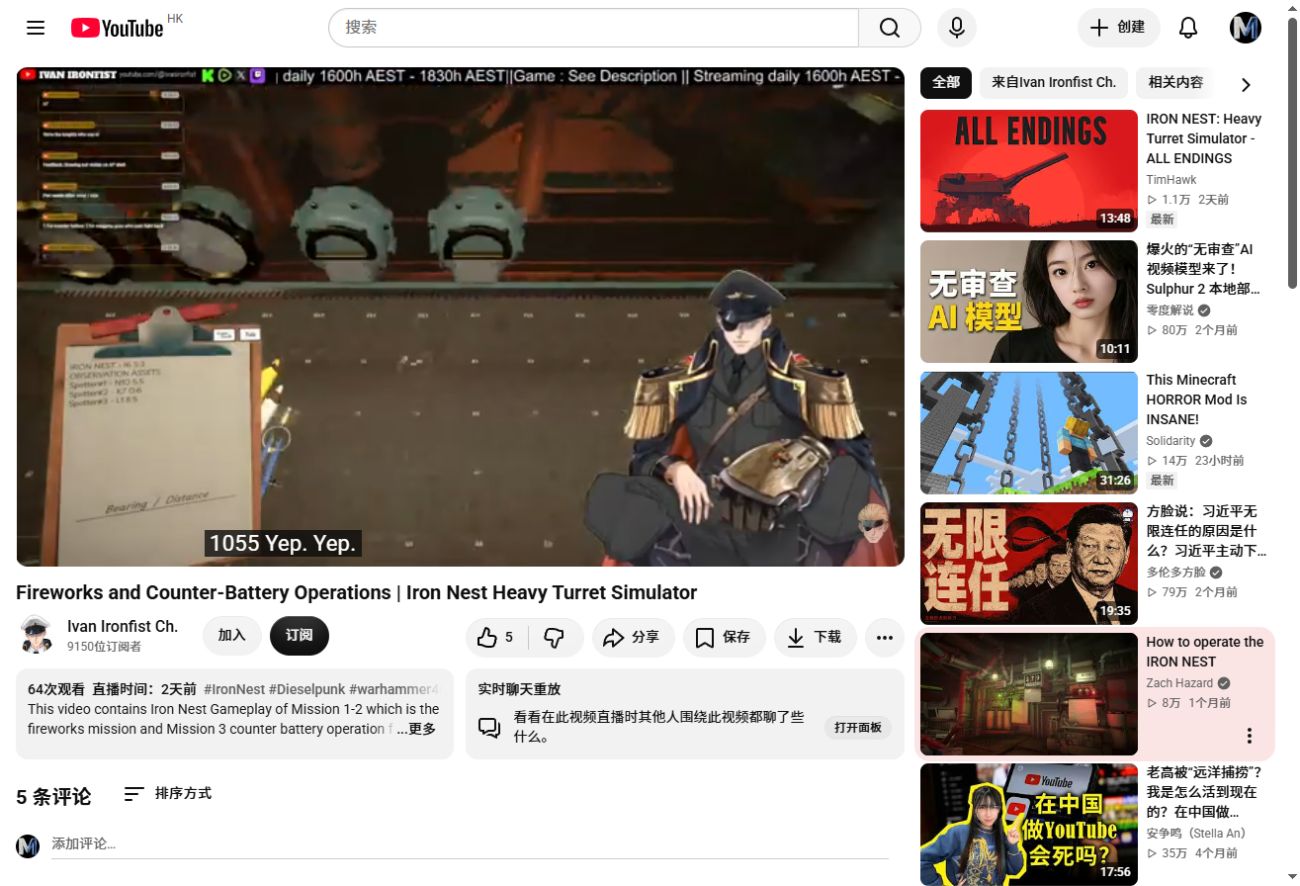
Release-version counter-battery footage. The returned coordinates shown in this run are evidence of the interface and must not be reused as universal mission coordinates. v1.0 gameplay source
Where is the Requisition Console?
In the documented turret layout, stand at the tactical-map work area. The two teleprinters sit beside the map, and the Requisition Console is immediately to their left. It is a fixed onboard station, not a battlefield location you plot on the map.
What can you request?
The exact menu depends on mission, progression and build, but documented categories include:
- shells and powder charges;
- reconnaissance aircraft;
- intelligence or target information;
- planned movement and emergency support;
- specialized ammunition and battlefield-control abilities unlocked through progression.
Read the live card before spending resources. Old guides contain historical prices and quantities that should not be treated as permanent v1.0 constants.
Correct request workflow
- Read the current objective and identify what is missing: ammunition, observation, intelligence or movement.
- Check the available requisition resource before selecting an asset.
- Complete every field required by the card, such as a sector or bearing for reconnaissance.
- Confirm or stamp the request using the interaction shown by the current build.
- Wait for the asset, delivery or information response.
- Transfer returned intelligence to the tactical map.
- Rebuild the firing solution from the current IRON NEST position.
Troubleshooting requests
| Symptom | Likely check |
|---|---|
| The option is missing | The mission or progression state may not have enabled that asset |
| The request will not confirm | Check resource balance and required card fields |
| A scout plane returns nothing useful | Recheck its starting sector and flight bearing |
| Intelligence arrives but the gun has no solution | Plot it, measure from the turret, then use the calculator |
| You cannot afford the final shot | Secure shells and powder before spending the remaining resource |
| Old values do not match the console | Use the current build; historical guide costs are version-sensitive |
Resource-planning rule
Buy information when it removes uncertainty that would otherwise waste ammunition or expose the turret. Preserve enough resources to execute the shot after the target is found. A perfect reconnaissance request is still a failed plan if no shell or accepted powder charge remains.